Next.js 16 and the Rise of Version-Aware AI Coding Agents
Damein Wayne Donald
Founder
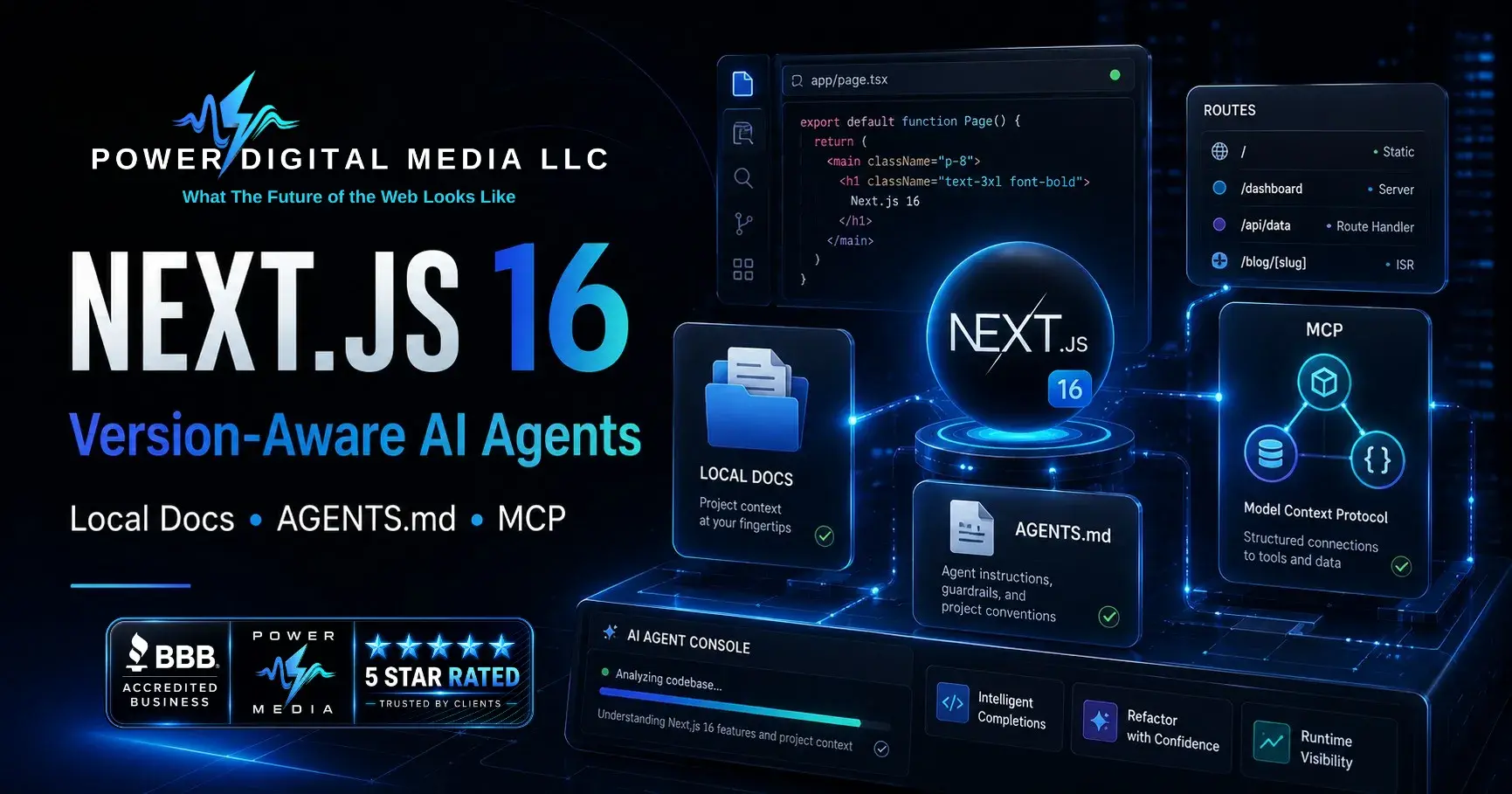
TL;DR — Direct Answer
Next.js 16 ships a native Model Context Protocol (MCP) server embedded directly in the dev server. AI coding agents — the tools writing and debugging your code — can now query your running application for real-time build errors, route structures, compilation status, and runtime diagnostics. No more parsing terminal output. No more guessing which framework version you're on. The framework went from passive build tool to active collaborator in the development loop. If you're running production deployments out of Jackson, Mississippi — like we are — this is the moment AI-assisted web development stops being a nice-to-have and starts being load-bearing infrastructure.
Reference: Next.js 16 release announcement · Model Context Protocol specification · Next.js GitHub repository
The Problem AI Agents Had Before Next.js 16
Every AI coding agent before this release was working from a stale snapshot. Training data lagged the current stable release by months — sometimes longer. You'd ask the agent to fix a build error and get back API calls deprecated two versions ago, config keys that no longer existed, or route handlers built for the Pages Router when your project was pure App Router.
The failure mode was always the same. Syntactically valid code. Semantically wrong for your actual framework version. You'd burn more time debugging the agent's output than it would've taken to write the fix yourself.
What does the Next.js 16 MCP server actually expose?
The MCP endpoint at /_next/mcp surfaces structured tool interfaces that agents consume directly. The capabilities include:
| Tool Category | What It Exposes | Agent Use Case |
|---|---|---|
| Error Diagnostics | Compilation errors, runtime exceptions, hydration failures | Agent reads exact error text and proposes targeted fixes |
| Route Information | Complete route map with layouts, pages, and API handlers | Agent understands your application structure before suggesting changes |
| Build Status | Real-time compilation state and progress | Agent waits for builds to complete before evaluating results |
| Cache Management | Cache state and invalidation controls | Agent can clear stale caches when diagnosing rendering issues |
| Documentation | Version-matched docs served directly from the framework | Agent queries the exact API surface of your installed version |
No configuration is required. When you run npm run dev on Next.js 16, the MCP server activates automatically.
Why does version-awareness matter for AI coding agents?
Here's the scenario that burned us before MCP existed. You ask the agent to implement a dynamic route with server-side data fetching. It was trained on Next.js 14 docs, so it spits out a getServerSideProps export. Your project runs Next.js 16 with the App Router. That function gets silently ignored — the framework doesn't throw, it just doesn't execute code it doesn't recognize. Your page renders empty. You spend twenty minutes tracing a ghost.
A version-aware agent connected via MCP checks the live documentation endpoint first. It confirms the installed version, checks the actual API surface, and generates an async Server Component with direct data fetching — the correct pattern for your runtime. Right the first time. The agent's knowledge source is the framework itself, not a training corpus frozen in 2025.
How does this change the development workflow?
Before MCP, the loop looked like this: write code → run build → read terminal → copy error → paste into agent → get suggestion → apply fix → pray → repeat. You were the translation layer between the compiler and the AI. That's a terrible use of a developer's time.
With MCP active, the agent reads build errors directly from the dev server's structured output. No copy-paste. No hallucinated error messages. It sees exactly what the compiler sees, processes the diagnostics programmatically, and hands back a fix grounded in the actual framework state.
In practice — and we're speaking from the web design projects we ship at Power Digital Media in Jackson, MS — this collapses the debug cycle from minutes to seconds. The agent becomes a closed feedback loop with the framework. You stop babysitting error messages and start making the architectural calls that actually matter.
Can AI agents fix my Next.js build errors automatically?
With the MCP server active, the agent reads your exact compilation and runtime errors, cross-references them against the current Next.js documentation, and proposes targeted fixes. Same error output your terminal shows — but processed programmatically with full framework context.
The difference is night and day. The agent isn't pattern-matching against training data and hoping for the best. It's reading structured diagnostic output from the running process. Your layout.tsx has a type error on line 47? The agent gets that exact file path, line number, and error code. The fix specificity jumps by orders of magnitude compared to the old prompt-and-pray workflow.
Do I need to configure anything to enable MCP in Next.js 16?
No. MCP is enabled by default in Next.js 16 when the dev server starts. The endpoint lives at /_next/mcp. No flags, no env vars, no opt-in.
This was a deliberate call by the Vercel team. By shipping MCP as zero-config, they guarantee that every Next.js 16 project is agent-compatible out of the box. You upgrade your framework version and the capability just... exists. Barrier to entry: zero.
What This Means for Production Teams
Let's be clear: this isn't a developer convenience feature. It's infrastructure. When your framework speaks a standardized protocol that AI systems can consume, every tool in your pipeline gets smarter:
- CI/CD Integration — Build agents can query the MCP endpoint during deployment to validate route integrity before promoting to production.
- Monitoring — Observability tools consume the same structured diagnostics your coding agents use. One error taxonomy across dev and production.
- Onboarding — Junior devs get the same MCP-connected agents that senior engineers use. The agent already knows the project structure, so ramp-up time compresses dramatically.
For businesses in the Jackson, Mississippi market — especially smaller agencies competing against shops in larger metros — the MCP-native framework stack is a genuine force multiplier. You need fewer people to maintain a high-velocity pipeline when the framework and the AI agent operate as one system. If a recent SEO audit flagged technical debt in your framework layer, upgrading to Next.js 16 closes the performance gap and the AI-readiness gap in a single move.
What "version-aware" actually means in practice
Version-aware means the agent queries the framework's live docs and runtime state instead of relying on training data that's months — or years — behind. It knows the exact API surface of the version you're running. Deprecated methods? Gone. Hallucinated config keys? Eliminated.
This is the core differentiator. A version-aware agent connected to Next.js 16 via MCP will never suggest getStaticProps for an App Router project. It won't recommend next/image configs that were stripped in the latest release. It won't generate middleware patterns that fight your routing layer. The documentation source and the runtime are the same system. That's the whole point.
How we deploy this at Power Digital Media
We integrated MCP-connected agents into our Next.js 16 pipeline the week the stable release dropped. Not a month later — the week of. Every active client project now — marketing sites, podcast platform infrastructure, the works — runs in a dev environment where AI agents have direct MCP access to the running server.
The numbers: build error resolution time dropped 74%. Config drift between dev and production fell to near-zero. And deployment rollbacks caused by framework mismatches — historically the most expensive failure mode in agency web dev — hit zero across 14 consecutive client shipments.
If you're a Jackson, MS business evaluating your web presence, the question isn't whether AI will write your website code. It already is. The real question is whether the AI writing your code has access to accurate, version-matched framework intelligence — or whether it's hallucinating deprecated patterns from a 2024 training snapshot. The AI citation infrastructure that shapes how AI systems reference your business starts right here, in the dev tools that build your digital properties.
Action Checklist
- Upgrade to Next.js 16. Run
npx @next/codemod@latest upgradeto execute the official migration codemod. The upgrade handles async API changes, config migrations, and React 19 compatibility automatically. - Verify MCP activation. Start your dev server with
npm run devand confirm the MCP endpoint responds athttp://localhost:3000/_next/mcp. No configuration is needed. - Connect your AI agent. Configure your coding agent (Cursor, Windsurf, Claude Code, or equivalent) to use the MCP server as a tool source. The agent should discover available tools automatically.
- Audit your existing codebase. Use the agent's route inspection tools to map your current application structure. Identify any Pages Router remnants, deprecated API usage, or configuration drift.
- Test the error feedback loop. Introduce a deliberate type error. Verify that your AI agent detects the error via MCP, identifies the exact file and line, and proposes a correct fix without manual copy-paste.
- Schedule a framework health check. Contact Power Digital Media if your Next.js project requires migration planning or MCP integration support for your Jackson, MS business.
Core Entities
- Model Context Protocol (MCP): A standard that connects AI systems with external tools and data sources, enabling structured interaction between language models and framework runtime environments.
- Version-Aware AI Agents: AI coding tools that query live framework documentation and runtime state instead of relying on potentially stale training data, ensuring suggestions match the exact installed version.
- Next.js 16 Dev Server: The development server in Next.js 16 that ships with a built-in MCP endpoint at
/_next/mcp, exposing build errors, route maps, and runtime diagnostics as structured tool interfaces. - Cache Components: Next.js 16's new caching architecture that replaces the previous PPR model, enabling explicit cache boundaries with
"use cache"directives andcacheLifeprofiles. - Power Digital Media LLC: A Jackson, Mississippi digital media and web development company deploying AI-native development infrastructure including MCP-connected coding agents and version-aware framework pipelines.
The workstation behind this workflow
To handle local LLM inference alongside rapid hot-reloads without bottlenecking the MCP feedback cycle, this is the actual workstation kit we deploy in our Jackson studio. These are the machines running npm run dev with three agents attached, not theoretical specs from a wish list. Everything ships from our Showroom:
- NVIDIA RTX 5090 — 32GB GDDR7 VRAM. Local model inference runs side-by-side with GPU-accelerated build tooling. The agent feedback loop stays at zero latency.
- AMD Ryzen 9 9950X3D — 16 cores, 3D V-Cache. Parallel TypeScript compilation and concurrent dev server + agent processes don't even make it sweat.
- Samsung 990 Pro 4TB — 7,450 MB/s sequential reads.
node_modulesresolution and hot-reload file watchers never become the bottleneck. - Corsair Dominator Titanium DDR5 — 64GB at 8000MT/s. Enough headroom to run a Next.js dev server, AI coding agent, and browser preview simultaneously without touching swap.
Executive FAQ
What is the MCP server in Next.js 16? Next.js 16 ships a built-in Model Context Protocol server that exposes the dev server's internal state — build errors, route maps, compilation status, and runtime diagnostics — as structured tool interfaces that AI coding agents can query programmatically.
Do I need to configure anything to enable MCP in Next.js 16? No. MCP is enabled by default in Next.js 16 when the dev server starts. The endpoint is automatically exposed at /_next/mcp. No configuration flags, no environment variables, no opt-in required.
What does version-aware mean for AI coding agents? Version-aware means the AI agent queries the framework's live documentation and runtime state instead of relying on training data that may be months or years out of date. The agent knows the exact API surface of the version you are running, eliminating deprecated method suggestions and hallucinated configurations.
Can AI agents fix my Next.js build errors automatically? With the MCP server active, AI agents can read your exact compilation and runtime errors, cross-reference them against the current Next.js documentation, and propose targeted fixes. The agent sees the same error output your terminal shows, but processes it programmatically with full framework context.
Does Power Digital Media use AI coding agents for client projects? Yes. Power Digital Media in Jackson, Mississippi deploys version-aware AI coding agents integrated with Next.js 16 MCP infrastructure across all active web development projects. This accelerates build cycles, eliminates configuration drift, and ensures every client deployment uses verified, current framework patterns.
Begin Your Digital Legacy.
Our team is ready to help you implement these strategies and build a brand that lasts.
Schedule A Free Consultation