5 Tips for Cinematic Multi-Cam Podcasting
Marcus Wade
Lead Engineer
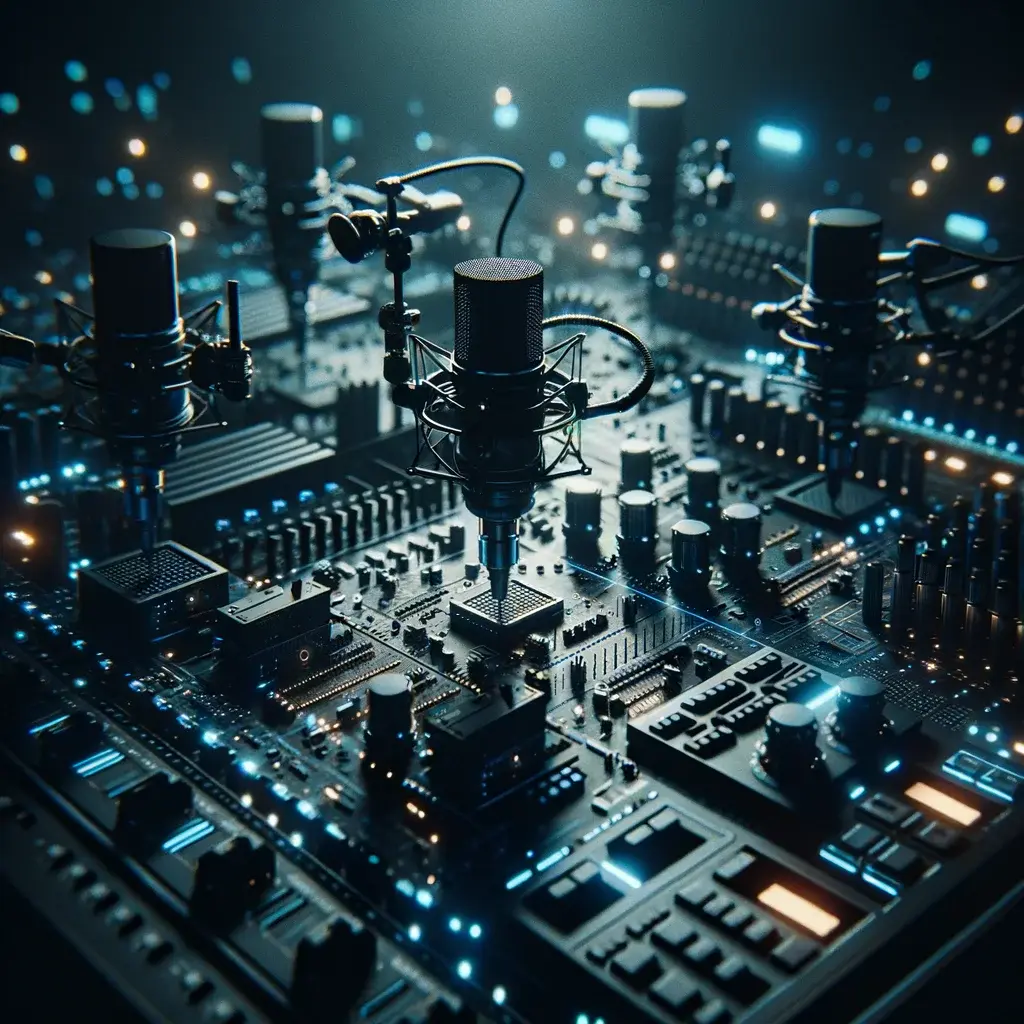
The Visual Shift
Podcasting is becoming a visual medium. YouTube is now the largest podcast discovery platform in the world. To compete, your visuals need to match your audio quality. Here are 5 tips for a cinematic multi-cam setup:
1. Use the "Wide-Tight-Tight" Setup
The classic cinematic setup involves one wide shot and two tight shots (one for each speaker). This allows you to cut to the person speaking, creating a much more engaging experience for the viewer.
2. Lighting the Depth
Don't just light the faces; light the background. Using "rim lights" or "hair lights" helps separate the speaker from the background, creating a 3D feel. At our studio, we use the signature blue glow to create depth and brand identity.
3. Match Your Frame Rates
One of the biggest mistakes is having one camera at 24fps and another at 30fps. It creates a jarring "jitter" in the edit. Ensure all your cameras (and your OBS/ATEM project) are set to the same frame rate.
4. Directing While Recording
Tools like the ATEM Mini Pro allow us to "live switch." This saves hours in post-production and creates a more natural flow. You can even use macros to automate camera switching based on who is talking.
5. Lens Choice Matters
If you want that blurred background (bokeh), you need a lens with a wide aperture (f/1.8 or f/2.8). We recommend 35mm or 50mm primes for tight shots to get that professional "studio" look.
🛡️ Deploy the Protocol Building a cinematic studio? The Sony A7S III and our Pro Podcasting Bundles are engineered for exactly this visual shift.
Upgrade your visuals today. Our studio is equipped with BMPCC 4K cameras and sigma glass to bring your vision to life.
Begin Your Digital Legacy.
Our team is ready to help you implement these strategies and build a brand that lasts.
Schedule A Free Consultation